 Back to the Computer Zoo
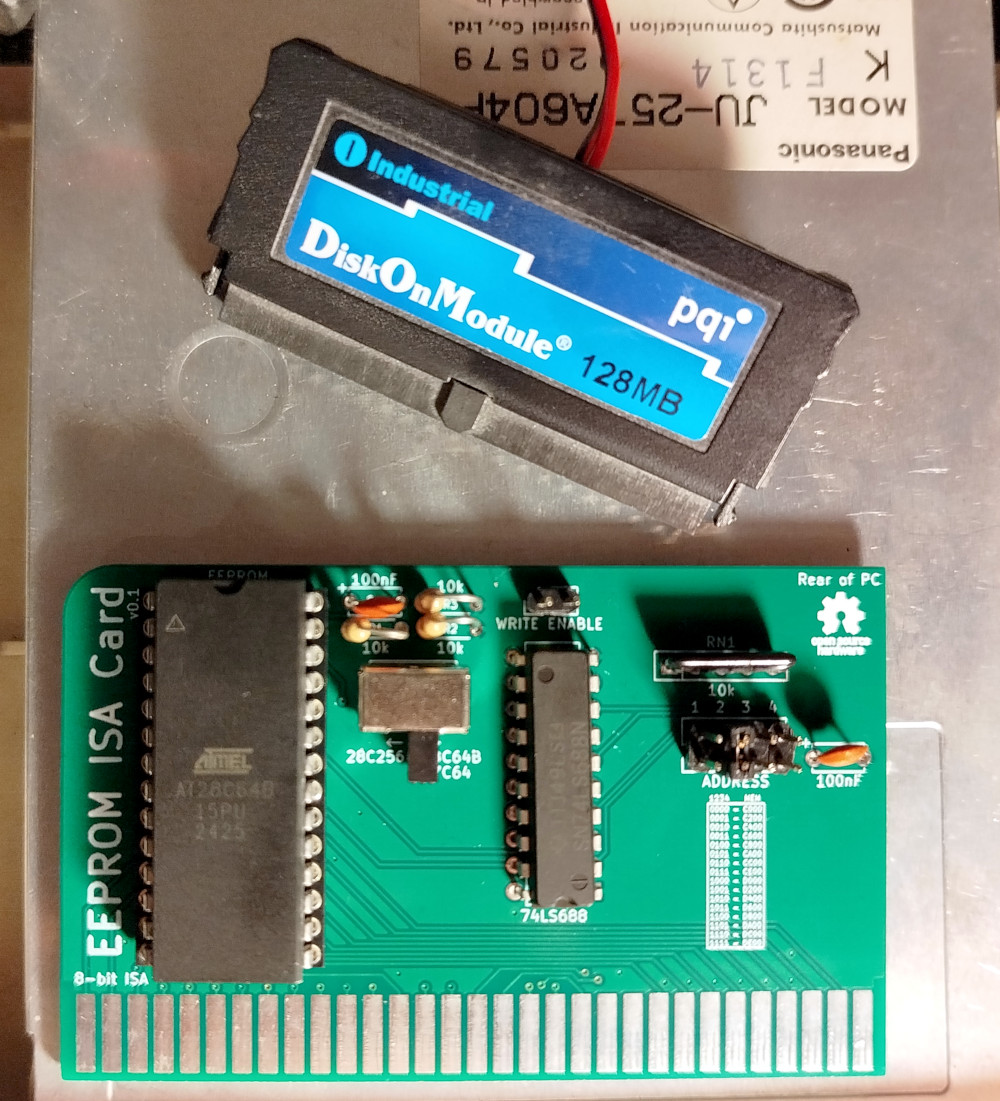
The device above is a PQI DiskOnModule that I picked up on impulse from Pollin many years ago. Pollin is a local "random crap reseller" that had them for sale at €1.95 at the time.
Similar to the 486 PC, an ISA option ROM card with XT-IDE Universal BIOS allows the PC BIOS and "operating systems" like MS DOS to use it through INT 13h.
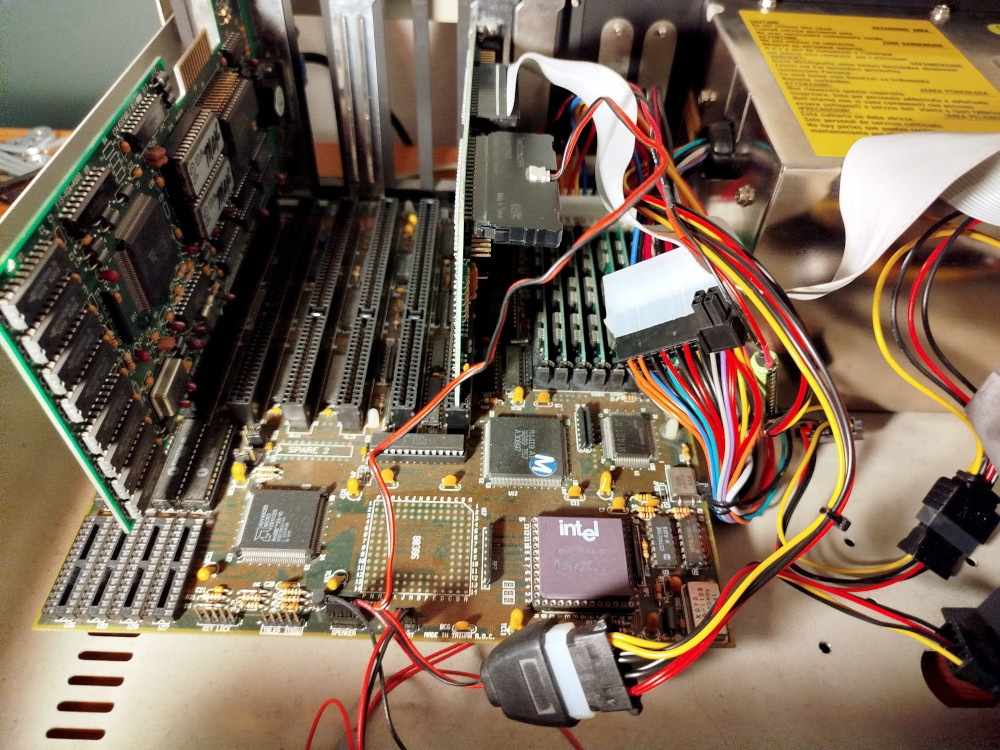
The DiskOnModule is installed on the super I/O card and hooked up to the PSU (cable in the foreground, at the bottom of the frame.
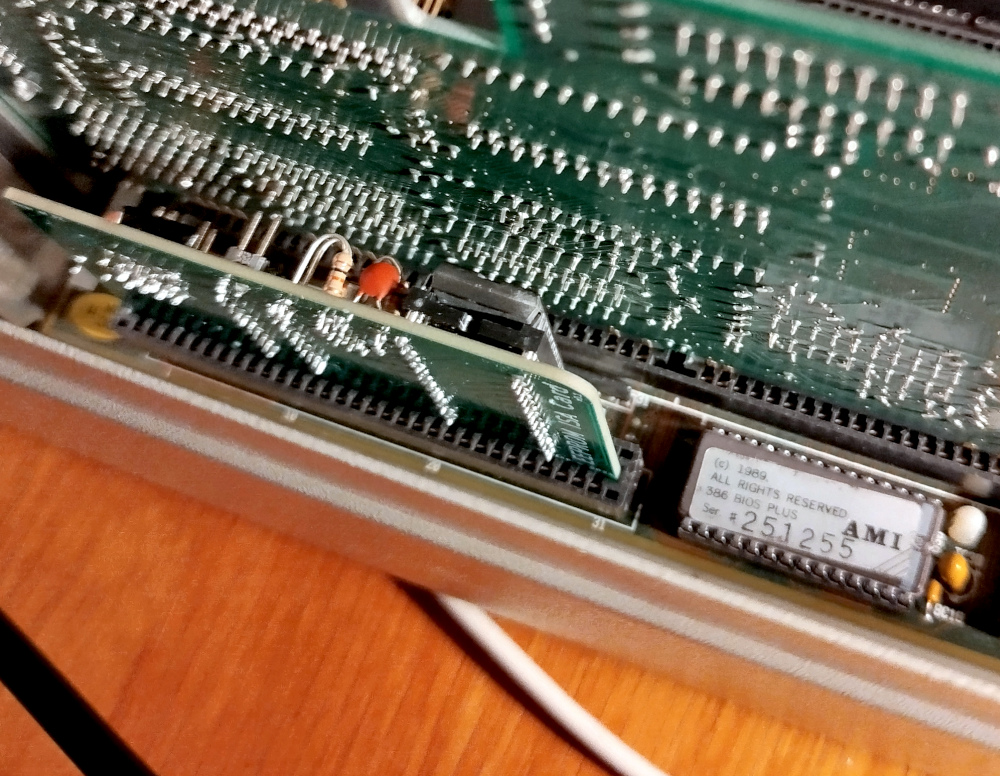
The option ROM card is hiding behind the bulky graphics card, occupying the only 8 bit ISA slot that the mainboard has, right next to the actual BIOS EPROM (with an AMI sticker across the erase window).
After making sure that the VGA option ROM is somewhere else, the card was jumpered to address C800:0000 and the BIOS CMOS setting configured to shadow in RAM, so any access after POST won't actually hit the slow ISA bus.
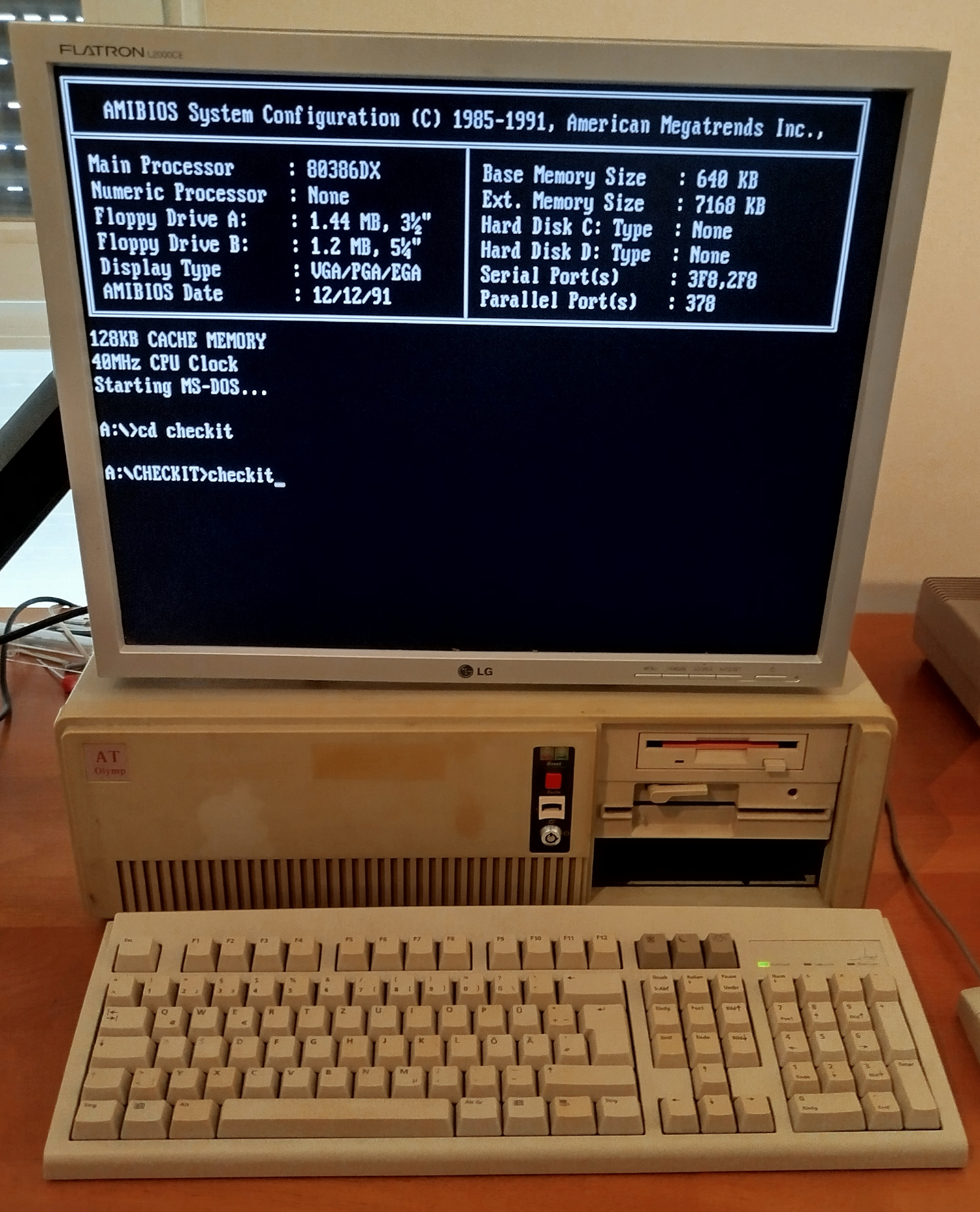
Since I went with Windows 3.11 for now, this part was tedious but also fairly straight forward. First, I downloaded MS-DOS 6.22 from the winworld library, copied the 3 disk images onto floppies, boot from the first one, run setup, keep following the instructions and let it do it's thing, occasionally swapping out a floppy.
At this point, I had a running MS-DOS 6.22 installation on the DiskOnModule that I could actually boot into without a disk in the floppy drive.
I installed an archived mouse driver from minuszerodegrees.net (version 9.01) and checked that the serial mouse was working.
At this point, I went ahead with the installation of Windows 3.11 for workgroups which meant installing crap from 7 disk images, i.e. take one floppy out of the 386, insert another, click OK, walk back to my desktop PC with the floppy I took out and copy the next image onto it. When the 386 in the other room beeps, walk back, swap the floppies, click OK, …
The final piece was the graphics driver, which is available through the retroweb page for the graphics card . Insert a floppy with the driver files on it, exit Windows, cd into the WINDOWS directory, run setup. In the setup, change the display, select other or some such from the bottom and let it read them from the floppy. It toopk a little while to find a mode that actually worked, in my case: 800x600 with 256 color, the 16 bit mode had weird sync issues with the monitor.
The whole process from start to finish took an eternity. Here's a rough timeline: At 16:30 I was done with a meeting and walked to the local hackerspace to solder the components on the EEPROM ISA card. On the way home, I take a detour to buy a bottle of milk tea. Some time past 18:00, I begin the installation process. The following picture was taken some 15 minutes or so after I was done with the installation and played around with the system for a little. Notice the clock:
Windows 3.11 on a 386 is … slow. Oh boy is it sluggish. You can watch windows being redrawn after you drag them around, UI components popping into existence after a dialog window opens. The starfield screen saver is doable, but "flying windows" is a jittery mess. And remember that the machine is running off flash memory, "hard disk" access time should essentially be a rounding error.
I tried running lower resultion, which should decrease ISA bus access time quadratically. This does work (for anyone who thinks 320x200 pixels is acceptable for a GUI). Trying to bump the ISA bus speed in the BIOS only brings a slight improvement, but that is linear scaling by comparison.
Either way, I am definitely not masochistic enough to try and run Windows 95 on this machine, even if Microsoft claims that it is possible.
The difference of running the same setup on a 486 is dramatic. It is a lot snappier and closer to how I remember it from Office on Windows 3.1 way back when. Which is quite ironic, considering it was on a machine spec'd similar to this one, and the earlier one was a 286 even. Juding by a picture I came across in an old photo album a while back, we did run the 286 at potato resolution tough, so that is probably the reason.
 Back to top Back to top
|
| |
Back to the Computer
Zoo
|