 Back to the Computer Zoo
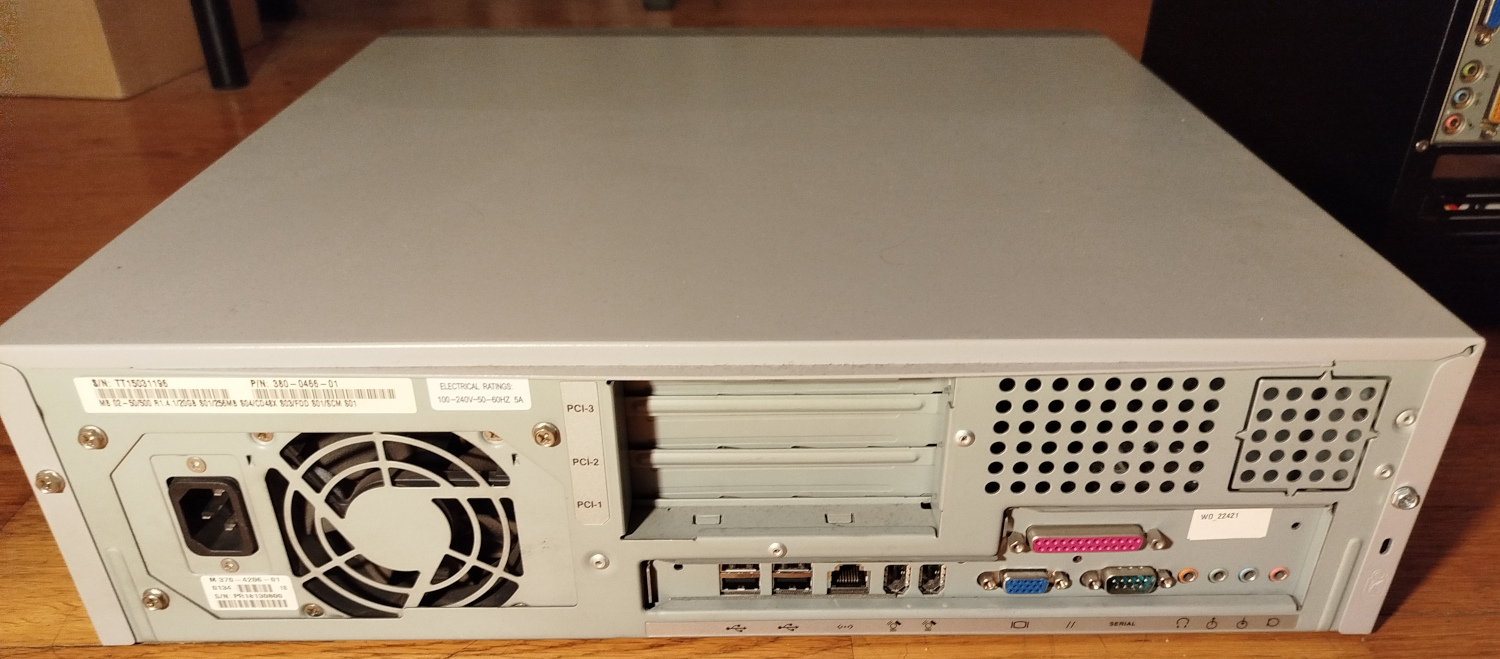
From what I can find, the primary design focus of the Sun Blade seems to have been pushing the price down. A lot of contemporary PC components are used, e.g. regular VGA for the screen, USB for keyboard and mouse, PCI extension slots, "regular" PC133 RAM, ATX power supply, IDE drives instead of SCSI, et cetera.
So for all intents and purposes, the Sun Blade 100 appears to basically be a weird PC that weighs around 17kg for some reason, and has an UltraSPARC CPU.
Some of the original specs:
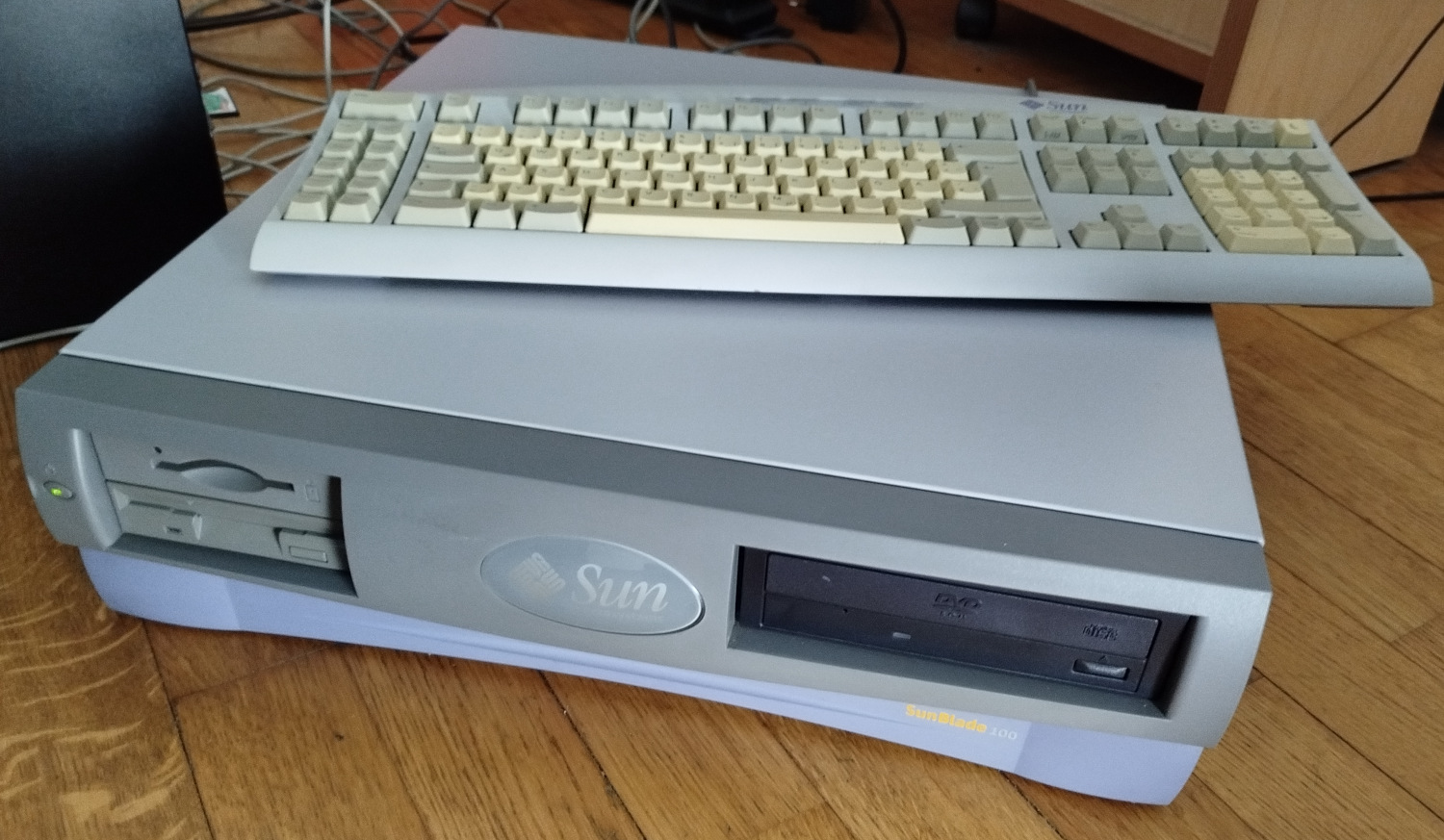
The machine I got is visually in great condition, but the previous owner has obviously made some minor modifications to it. The CDROM drive was replaced with a DVD drive at some point, the 20 GB hard drive was also swapped out for 2 larger drives.
Upon reset, the machine runs OpenBoot firmware from flash. The Wikipedia article tells us that OpenBoot originated on Sun, was eventually adopted by other vendors and turned into an IEEE standard called "Open Firmware".
The most significant part of it that is still around is the device tree format for describing hardware. Linux eventually adopted it for pretty much every non-x86 platform it supports.
If OpenBoot runs into an issue, or we decide to abort the boot process by pressing STOP+A on the keyboard, it drops us into a Forth based CLI, aka the "ok" prompt.
If the keyboard and screen are disconnected, the system defaults to using the serial as a console. You can simply connect a null modem cable to a PC and fire up a terminal emulator at 9600 baud, 8n1.
Similar to pressing STOP+A on the keyboard, you need to send a break command on the serial to make OpenBoot enter the "ok" prompt. On GNU screen, simply press C-a b.
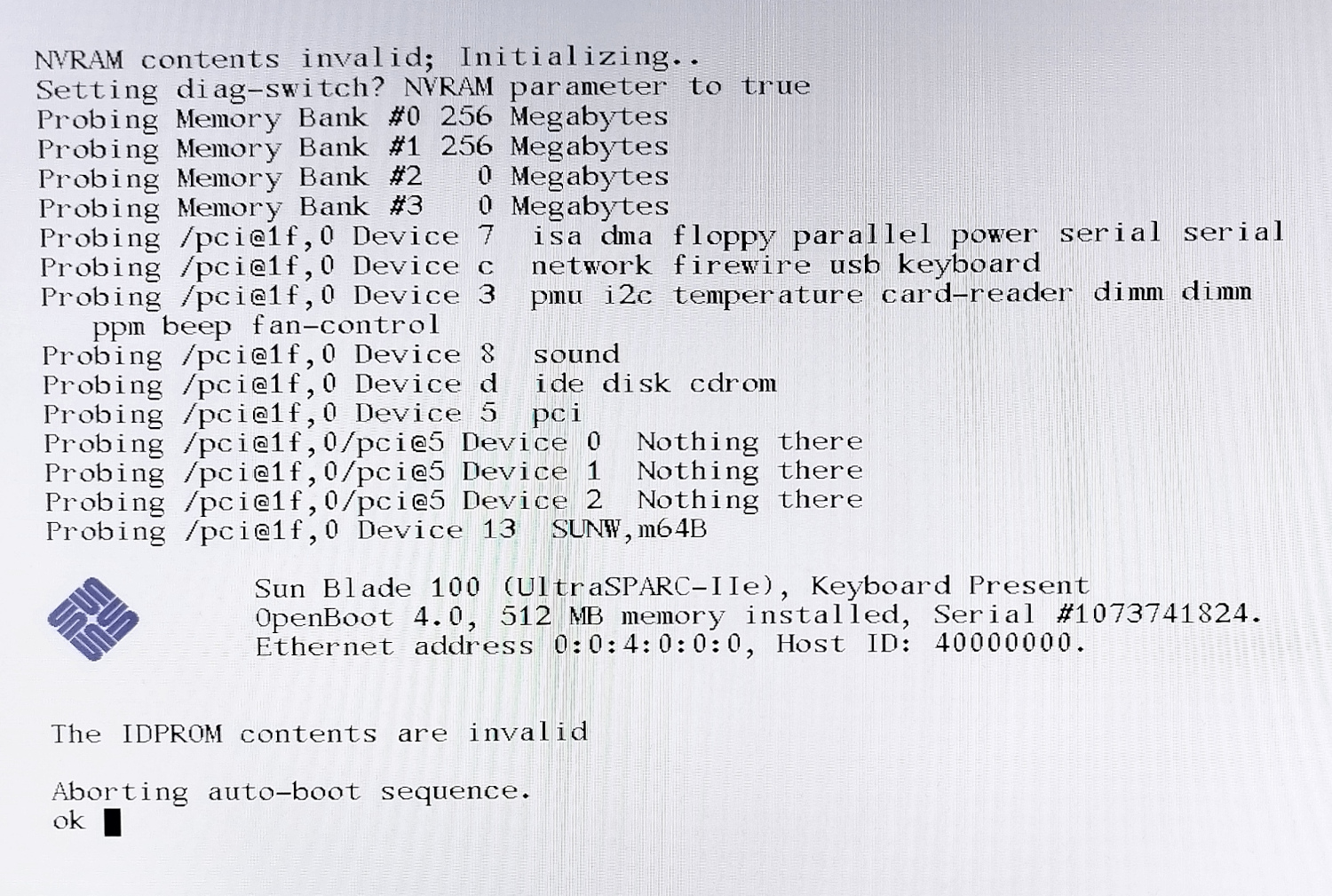
Forgive the Moiré, but this is essentially the first thing I saw when powering up the machine: The IDPROM contents are invalid, the MAC address and Host ID are garbled, the machine gives up booting and we are dropped into the "ok" prompt.
The IDPROM is a battery backed SRAM and RTC chip. After 25 years, the battery was flat and I had to swap it out and restore the corrupted data.
 Back to top Back to top
|
| |
Back to the Computer Zoo
|